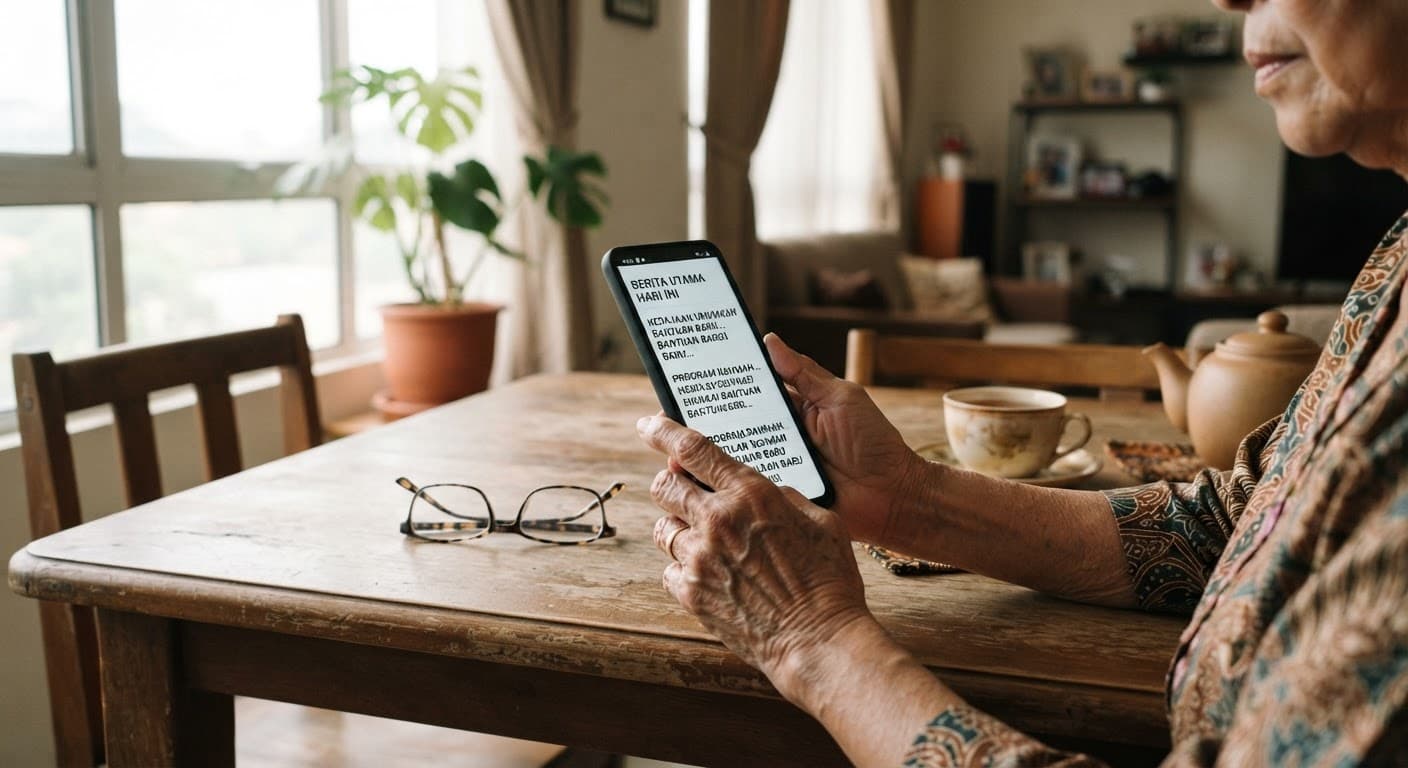
Almost every complaint about smartphones past 50 is a settings problem rather than an age problem. The text is too small, the ringer is too quiet, and the phone has been quietly letting strangers through the front door. All three take about ten minutes to fix.
For eyes
- Increase the text size and, separately, turn on bold text — both sit under Display settings
- Raise contrast, and switch on the magnifier so a double-tap can zoom any part of the screen
- Turn off auto-brightness; a screen that dims itself in a bright room is a screen you squint at
For ears
- Turn on hearing-aid compatibility if you wear aids, and raise the ringer volume above the media volume
- Set vibration as well as sound, so a call in a bag still gets noticed
- Add a favourite contact to bypass Do Not Disturb, so family calls always ring through
None of this stops a scam on its own, and it is worth saying that plainly. What it does is slow the message down and separate the important ones from the noise, which is where most bad decisions get made.
Questions readers ask
- My text is already large but things are still hard to read
- Text size and display zoom are two separate settings, and most people change only the first. Turn on display zoom as well, which enlarges the buttons, icons and spacing rather than just the words. Adding bold text on top of that is usually what makes the final difference for reading without glasses.
- Should I let family set this up for me?
- Let them sit with you and show you where the settings live, rather than doing it and handing the phone back. The point is that you can change the text size next year without waiting for a visit. Ten minutes of someone showing you, followed by doing it once yourself, is worth more than a phone that arrives already perfect.
Read next
- e-Wallets and DuitNow: a plain guide for the over-50s
Which to set up first, and what to keep out of a wallet.
- More in Tech and Independence
Devices, scams and staying in your own home safely.