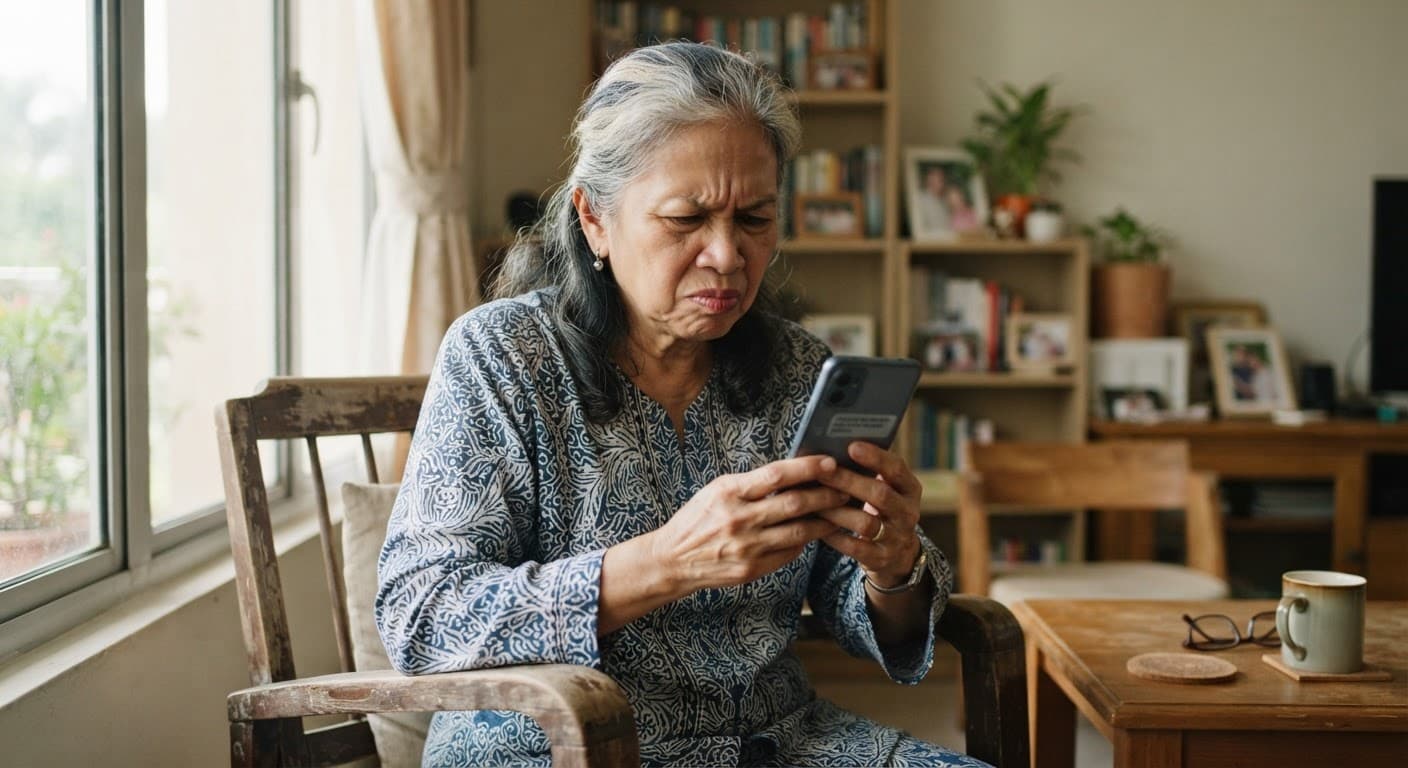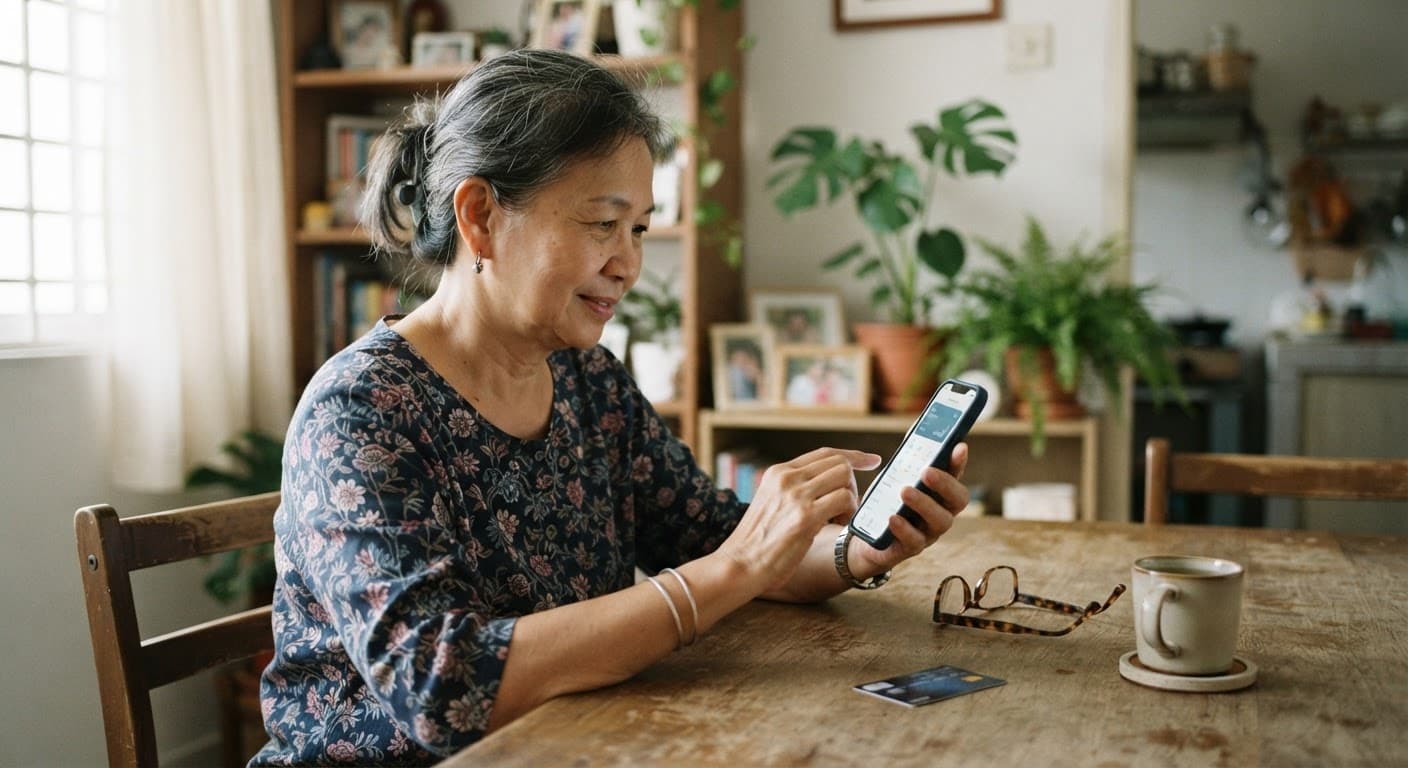
Mobile banking is safer than most people assume, particularly compared with a card carried in a purse. The habits below are less about defending against a sophisticated attack than about limiting how much a common one can cost you.
Set these once
- Turn on transaction notifications for every amount, not just large ones
- Set a daily transfer limit at the lowest figure that covers real needs
- Lock the SIM with a PIN — the common account-takeover route starts with a stolen phone and the number
- Use a fingerprint or face unlock, and keep a strong passcode rather than a pattern
- Never install apps from outside the official store, whatever a message tells you
If the phone is taken
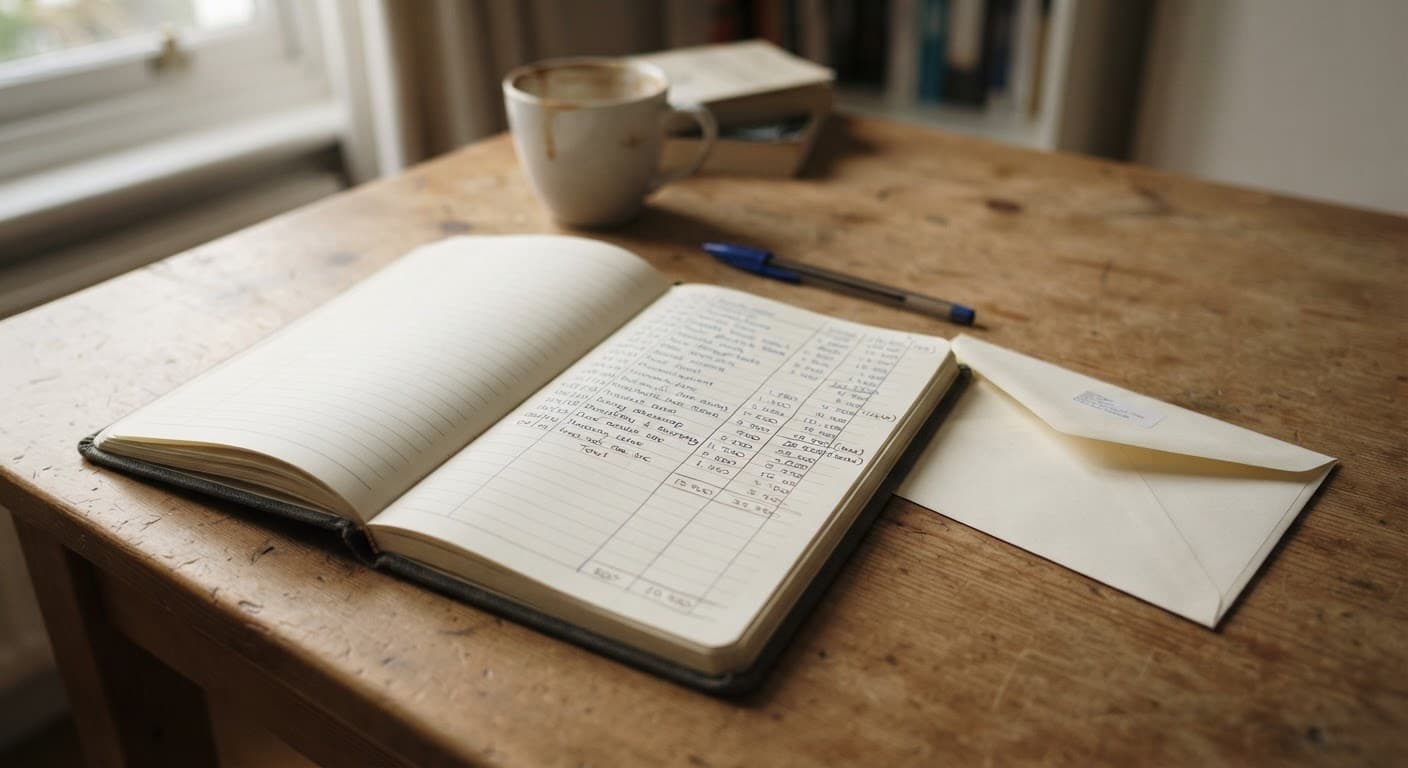
Report the line lost to the network provider immediately, then call the bank's fraud line, then report to the National Scam Response Centre on 997. The order matters: killing the number first stops the messages that the takeover depends on. Keep the provider's number saved in a notebook at home, because it is the one number you cannot look up from the stolen phone.
A PIN on the SIM card is worth more than any banking password. It is the number that is stolen first.
Questions readers ask
- Is the banking app safer than the website?
- Usually yes, because the app cannot be reached through a phishing link and its identity is verified by the store. The common attacks target the person rather than the channel — a call claiming to be from the bank, or a message with a link. The app is safe; following a link that pretends to lead to it is not. Open the app yourself, always.
- Should I keep a separate account for online use?
- It is a sensible measure. Keep the bulk of savings in an account that is not linked to any card or app, and hold a limited balance in the account that is. That way a compromise reaches the working balance and not the savings. Ask at the branch to set up the transfer limit on the everyday account.
Read next
- How to spot a scam SMS pretending to be your bank
The four tells that appear in almost every fake message.
- More in Tech and Independence
Devices, scams and staying in your own home safely.